MonMon / Website planning
Service Business Websites: Help Customers Choose the Right Service
MonMon AI · Published
When a business offers several services, a visitor should not have to call simply to discover which one applies to their situation. A useful service website explains the work, who it is suitable for and what happens after an enquiry. That gives the customer a clearer decision and gives the team more context for its reply.
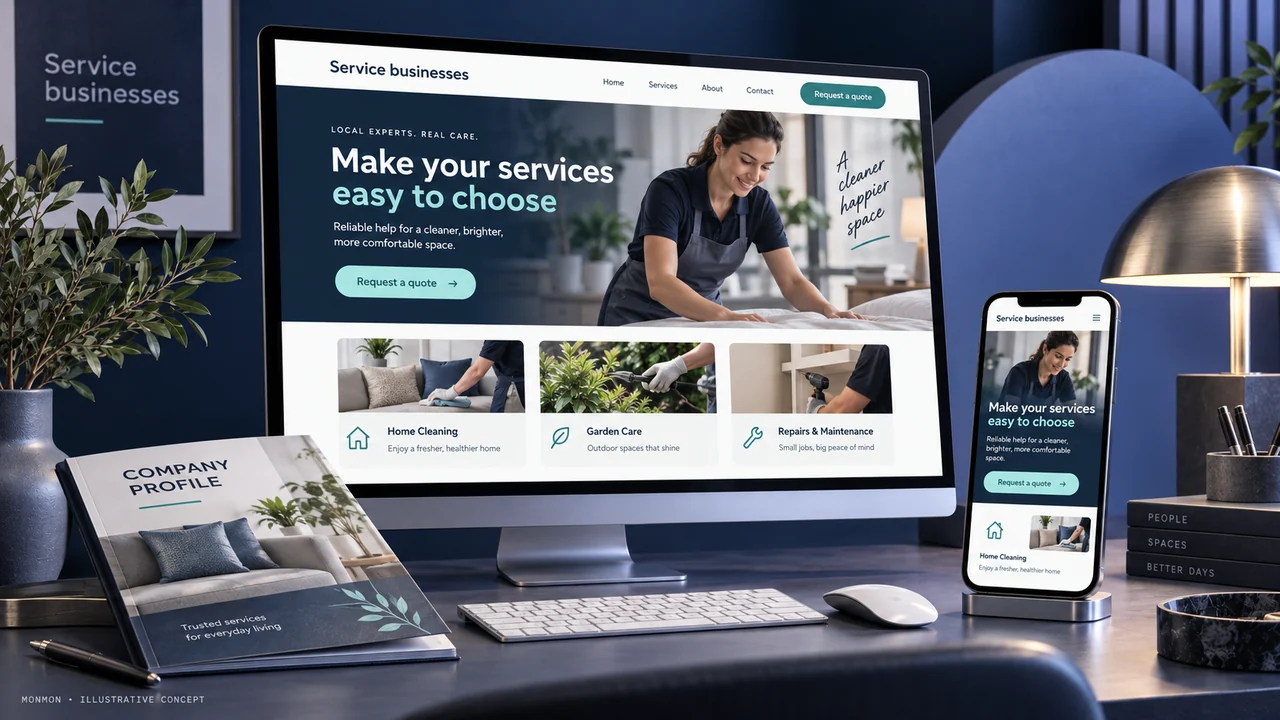
Organise services by customer need
Start with the questions customers ask before buying. Group services by the problem or task they address, then use names your customers recognise. Internal department names may not help a new visitor. If two services have different eligibility, locations or preparation requirements, make the differences visible. The aim is to help a customer choose a relevant conversation, not to present every possible service as interchangeable.
Describe inclusions and boundaries
For each service, explain the usual work, the customer information required and the factors that can change the scope. State material exclusions where they matter. If a site assessment is needed before quotation, say so. Avoid presenting a request form as an automatic confirmed order when a team member must still assess the request. Prices, dates and availability should reflect approved business information.
Show relevant examples
Use photographs or short examples connected to the service being described. Caption a sample so visitors know whether it shows completed customer work, an illustrative concept or a typical process. A concise explanation of the task can add more useful context than a large image alone. Publish testimonials only with the required permission and accurate attribution; a new service does not need invented reviews to explain its purpose.
Make the mobile next step straightforward
Choose a primary action such as requesting a quotation, asking about suitability or arranging a consultation. State what the customer should provide. Keep phone numbers and contact links readable and easy to use. If the business operates across locations, identify the appropriate contact route. Do not promise an immediate appointment unless the booking process actually confirms availability.
Evaluate the quality of enquiries
Agree what counts as a useful enquiry: the requested service, an appropriate location and sufficient information to respond, for example. Record common questions that still arrive after customers read the site. Those questions can guide later content improvements. Website acceptance and sales performance are separate checks: first verify the pages and contact route, then measure the business outcomes over a defined period.
Your preparation checklist
- Customer-facing service names
- Inclusions and relevant exclusions
- Approved pricing or quotation explanation
- Examples labelled accurately
- Mobile contact actions tested
- Named responsibility for enquiry follow-up
Frequently asked questions
Should every service show a fixed price?
Only if the business can offer it under clear conditions. If scope varies, explain the information required for a quotation.
Is a contact form the same as a booking system?
No. An enquiry form collects a request; confirmed booking requires an availability and confirmation process included in the agreed scope.