MonMon / Website planning
Clinic and Dental Websites: Help Visitors Find the Right Information
MonMon AI · Published
A clinic website should make practical information easy to find: what services are offered, where the clinic is located and how to ask about an appointment. Planning that information does not require promising a treatment outcome. It requires clear responsibilities for reviewing professional content and maintaining the details that visitors rely on.
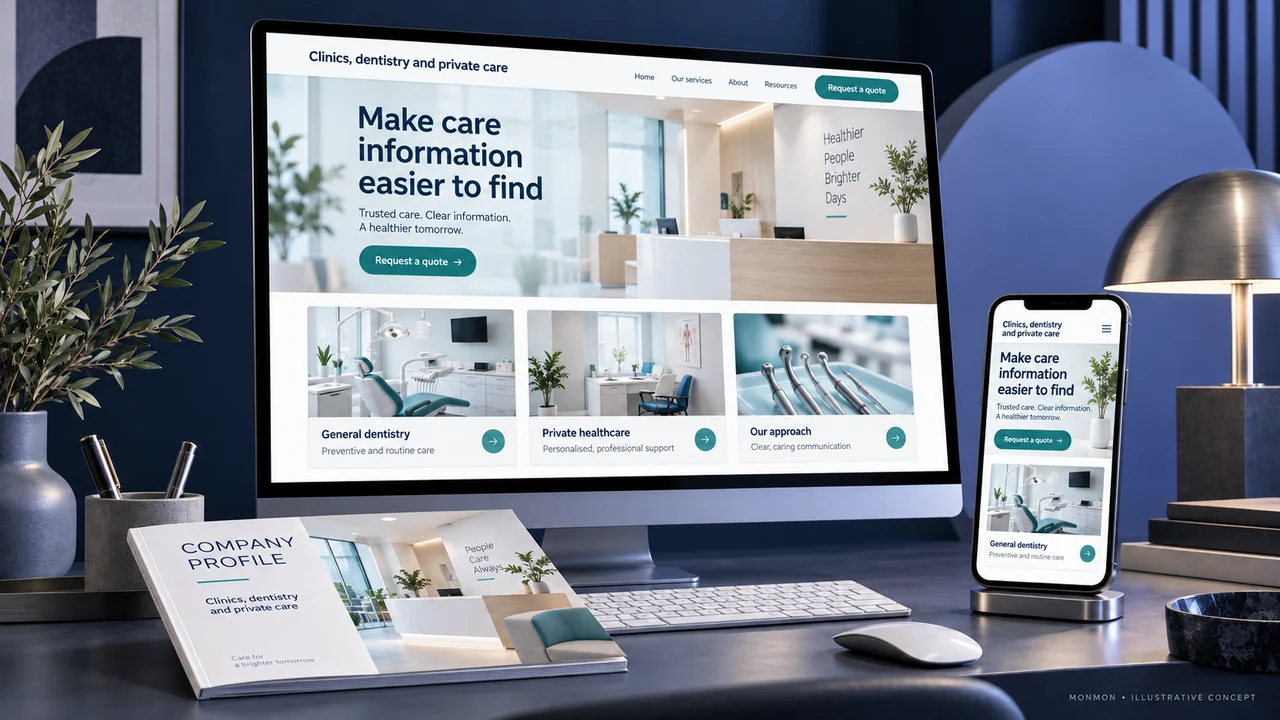
Separate practical information from clinical guidance
Location, opening hours and appointment contact details serve a different purpose from explanations of diagnosis or treatment. Have the appropriate qualified professionals review clinical material. The website brief should identify which content the business will supply and who approves it. A design or content team should not invent medical explanations to fill a template.
Make services and professional information accurate
Use the clinic’s approved service names and descriptions. Check professional names, roles and credentials against the information authorised for publication. Do not imply that every practitioner provides every service listed on the website. If availability varies, explain how visitors can confirm it through the appropriate contact route.
Set appointment expectations clearly
A request form can collect the information needed to contact the visitor about an appointment. It should state whether the request is awaiting confirmation. A basic website form is not a clinical consultation or an emergency response channel. Any guidance about urgent contact should be supplied and approved by the clinic, rather than improvised during website production.
Use patient-related media carefully
Publish patient photographs or stories only through the clinic’s approved consent and review process. Label stock images and design concepts appropriately so visitors do not mistake them for clinical evidence. Avoid unsupported success claims or comparisons. When the website includes general educational information, make its purpose and professional review clear.
Verify the practical journey on a phone
At handover, check the service list, maps, opening details, staff information and appointment contact route. Test that confirmation wording matches the real process and that unnecessary sensitive information is not requested by a general enquiry form. After launch, use appointment-request quality and recurring visitor questions to identify content gaps. Do not equate page visits with clinical outcomes.
Your preparation checklist
- Clinical content assigned to qualified reviewers
- Service and professional details verified
- Appointment-request status explicit
- Clinic-approved contact instructions
- Patient-related media reviewed appropriately
- Mobile maps and enquiry routing tested
Frequently asked questions
Does a clinic presentation website include online medical consultation?
No. A consultation service requires a separately defined workflow and appropriate professional oversight.
Can a contact form confirm an appointment?
Only when the actual booking process supports confirmation. Otherwise it should clearly acknowledge an appointment request.