MonMon / Website planning
Restaurant and Café Websites: Put the Menu and Visit Details First
MonMon AI · Published
A restaurant or café website often supports an immediate decision: whether to visit, what is available and how to find the location. Beautiful food photography helps introduce the venue, but practical information must be easy to reach on a phone. Start with the menu, location, opening hours and the action customers should take next.
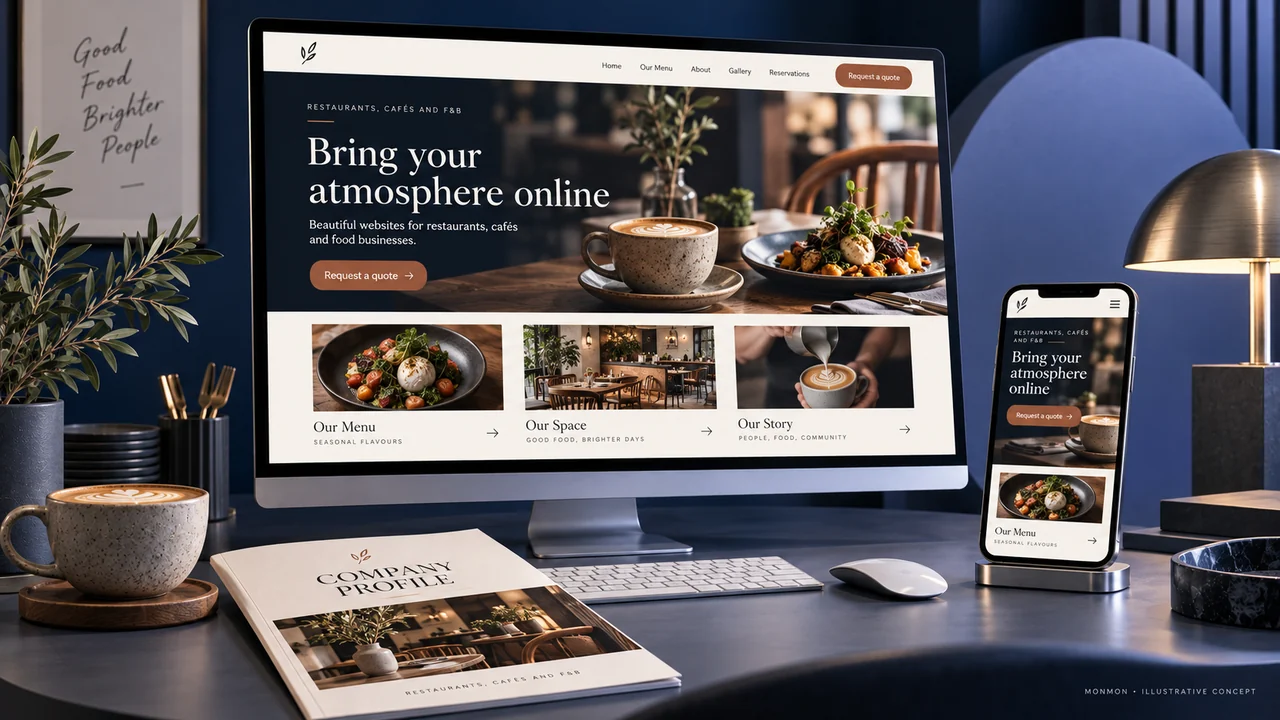
Make the menu readable on mobile
Organise dishes or drinks into clear categories and use approved names, descriptions and prices where published. A large image of a printed menu may be difficult to read on a small screen. Decide how updates will be made when items or prices change. If different menus apply by time or location, identify those differences before a customer plans a visit.
Keep location and opening information current
Show the correct address, map link and business contact. State relevant opening hours and clarify location-specific details where the business has multiple venues. Assign an owner for updates during temporary changes. A useful contact route matters when customers need to confirm a detail that is not covered by the published information.
Explain what a reservation request means
If the website collects a reservation enquiry, tell the customer how confirmation will arrive. Ask for the date, approximate time, party size and contact method needed by the venue. Do not label the request as a confirmed table unless the booking process supports that. Event and group enquiries may need a separate path from ordinary table requests.
Use photographs that match the experience
Show approved photographs of the actual venue, dishes or atmosphere where available. Identify illustrative design concepts and avoid implying that every photograph represents an item currently on the menu. If a dish description or customer-supplied information requires specialist accuracy, have the responsible business team review it before publication.
Define ordering and acceptance separately
Online ordering, payment and delivery integrations are additional functions to specify. A menu website with contact links is a different product. During handover, test menu readability, map links and the reservation enquiry route on mobile. After launch, review the enquiries and questions customers ask; traffic alone does not establish restaurant revenue or confirmed reservations.
Your preparation checklist
- Current menu with readable categories
- Approved prices and item descriptions
- Accurate map and opening hours
- Reservation enquiry status explained
- Authentic or clearly labelled imagery
- Ordering and payment scope agreed explicitly
Frequently asked questions
Can the menu be a PDF?
It can be offered as a download, but check that customers can read it comfortably on a phone. An accessible on-page menu may be more convenient.
Is a reservation form automatically a booking system?
No. A confirmed booking requires an availability and confirmation workflow, which must be included in the agreed scope.