MonMon / Website planning
Printing and Event Websites: Collect a Brief That Can Be Quoted
MonMon AI · Published
A printing, advertising or events website should connect visual examples to the details needed for a quotation. A visitor may like a design but still be unsure about its size, material, quantity or production scope. Explain the offer beside the portfolio so the next enquiry starts with useful information.
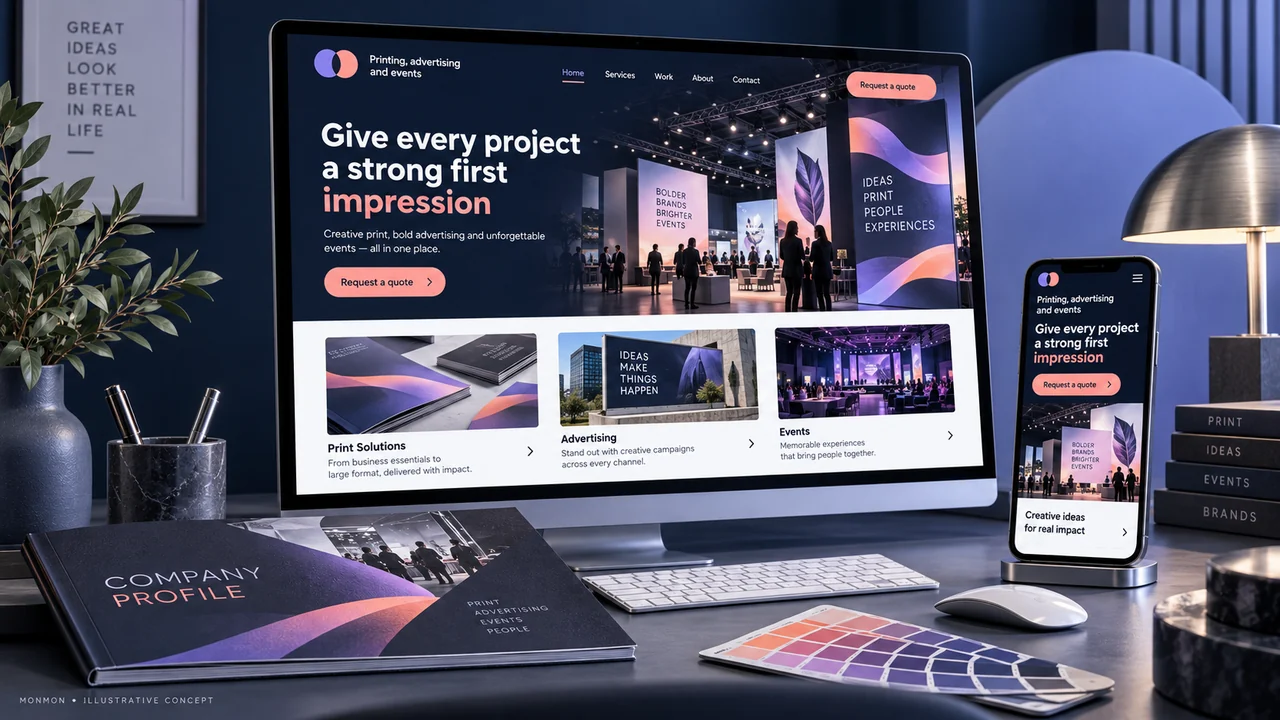
Separate the formats customers buy
Use categories that reflect the business’s actual work, such as print products, signage or event production where applicable. Explain what is included in each service. Design, artwork preparation, fabrication, delivery and installation are different activities. A customer should not assume that all of them are included because the portfolio shows a finished result.
Give each portfolio example a clear role
Describe the type of project and the work the company performed. Identify mockups and design concepts separately from photographs of completed production. Obtain permission for client identities and campaign materials. If collaborators delivered parts of an event or installation, explain your contribution rather than implying ownership of the entire project.
Prepare the information needed for a quote
For print work, useful starting details may include format, size, quantity, material and the required date. For an event enquiry, the location, approximate scale, intended date and requested services may matter more. Select fields according to the workflow. A single generic message box may force the team to repeat basic questions before a quotation can begin.
Explain artwork and approval steps
Tell customers how the team reviews artwork or a brief and how approval occurs before production. Any file-transfer function should be part of the agreed website scope. Do not imply that submitting an image or enquiry authorises printing, installation or event expenditure. Keep the confirmation wording aligned with the business’s actual acceptance process.
Check the path from example to enquiry
At handover, choose a portfolio example and confirm that the customer can identify the relevant service and submit the required context. Review image captions and contact actions on mobile. After launch, track incomplete briefs and requests outside the offered formats. Those observations can improve the content without claiming that a new portfolio guarantees project wins.
Your preparation checklist
- Service formats and inclusions defined
- Concepts distinguished from completed work
- Portfolio permissions checked
- Relevant size, quantity or event fields
- Approval process accurately explained
- Enquiry context reaches the right person
Frequently asked questions
Should every example display a fixed price?
Only when the business has an approved offer with clear specifications. Bespoke work may require a brief before quotation.
Does uploading artwork confirm a production order?
The website should follow the actual approval process. An upload or enquiry should not imply production acceptance unless that workflow is explicitly supported.