MonMon / Website planning
Export Product Websites: What Buyers Need Before Sending an RFQ
MonMon AI · Published
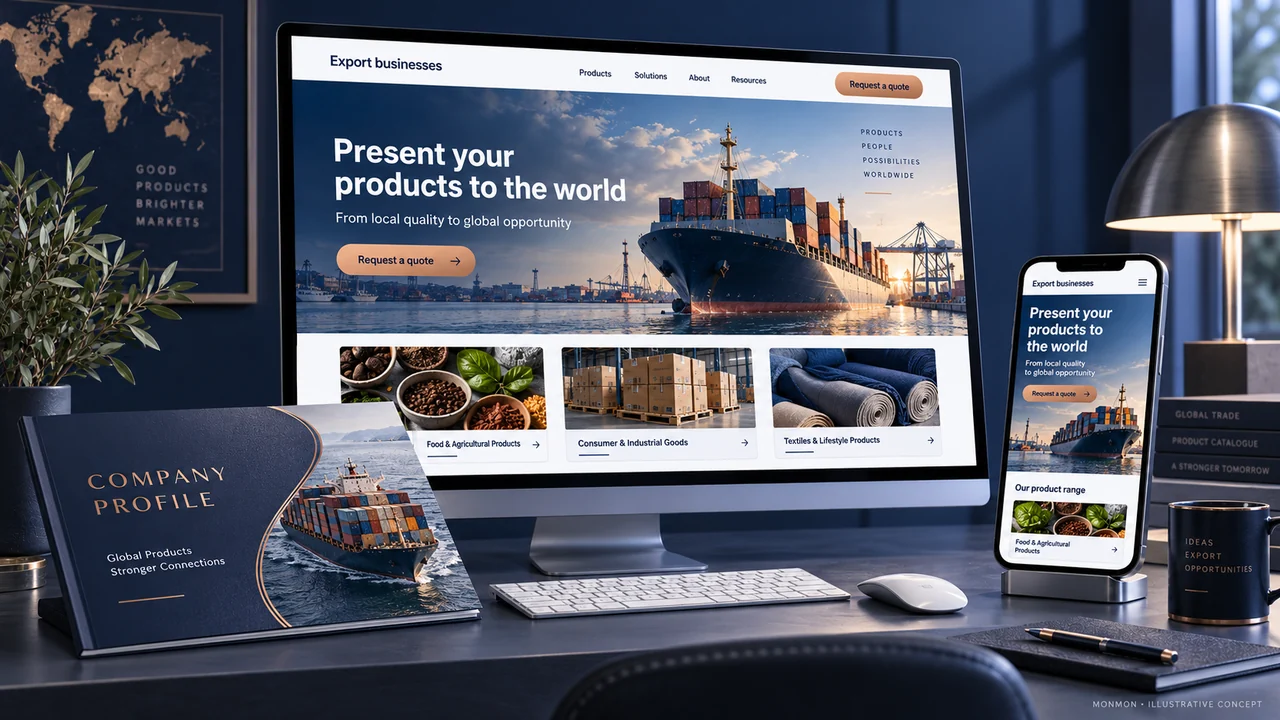
An export product website should help a buyer decide whether an item is relevant before asking for a quotation. Product names and attractive photographs are a start, but a sourcing enquiry usually needs a specific product reference and enough context to discuss quantity, packaging and destination. Build the catalogue around those practical questions.
Define a product record before building pages
Choose the fields your team can maintain: product code, description, material or ingredients where relevant, dimensions, unit of measure, packaging and available variants. Use consistent units across the website and catalogue. If an attribute depends on a particular order, identify it as a detail to confirm. Do not create a fixed specification merely because a template has an empty field.
Show products at the level buyers compare
Provide representative images for the product and its packaging, with captions that explain the variant shown. Distinguish a sample image from the final supplied configuration. If several products share a category, give each an identifiable reference. A buyer should be able to mention a product in an email without copying a vague heading such as “premium range” or describing a picture from memory.
Make commercial questions explicit
Decide which information can be published and which is confirmed through a quotation. Depending on the business, that may include sample arrangements, available order quantities, packaging options or delivery discussions. Avoid publishing unsupported availability or market-access claims. This is a content-planning guide; product compliance and transaction requirements need their own qualified review for the relevant product and destination.
Connect the website and PDF catalogue
Use the same product references and units in both places. Give downloadable documents a version date and remove links to superseded files when the approved catalogue changes. If the site is multilingual, review product terminology and numbers across the versions. Translating a heading is not enough when the specification table or attached catalogue remains inconsistent.
Design an RFQ that identifies the item
Request a product reference, approximate quantity, destination and one contact method, with room for a short requirement. Add other fields only when your sales team needs them to take the next step. Test that the selected product remains identifiable in the received request. An RFQ starts a commercial discussion; it should not be presented as an accepted order or a guaranteed delivery commitment.
Your preparation checklist
- Stable product references
- Consistent units and specification fields
- Correct product and packaging images
- Approved downloadable catalogue version
- Language versions checked for technical terms
- RFQ records product, quantity and destination
Frequently asked questions
Must an export website include online checkout?
No. A catalogue with a clear RFQ route may fit a sales process that requires quotation and order confirmation.
Can one product image cover every variant?
Only if the caption makes the illustrated variant clear and buyers can identify the other options without assuming they are identical.