MonMon / Website planning
Agrifood Export Websites: Keep Products, Packaging and Enquiries Consistent
MonMon AI · Published
An agrifood website should make a product identifiable and give a buyer a clear route to discuss a sourcing requirement. Product appearance, packaging and specification details all need to refer to the same offer. The content brief should therefore begin with approved product records, rather than a collection of attractive photographs.
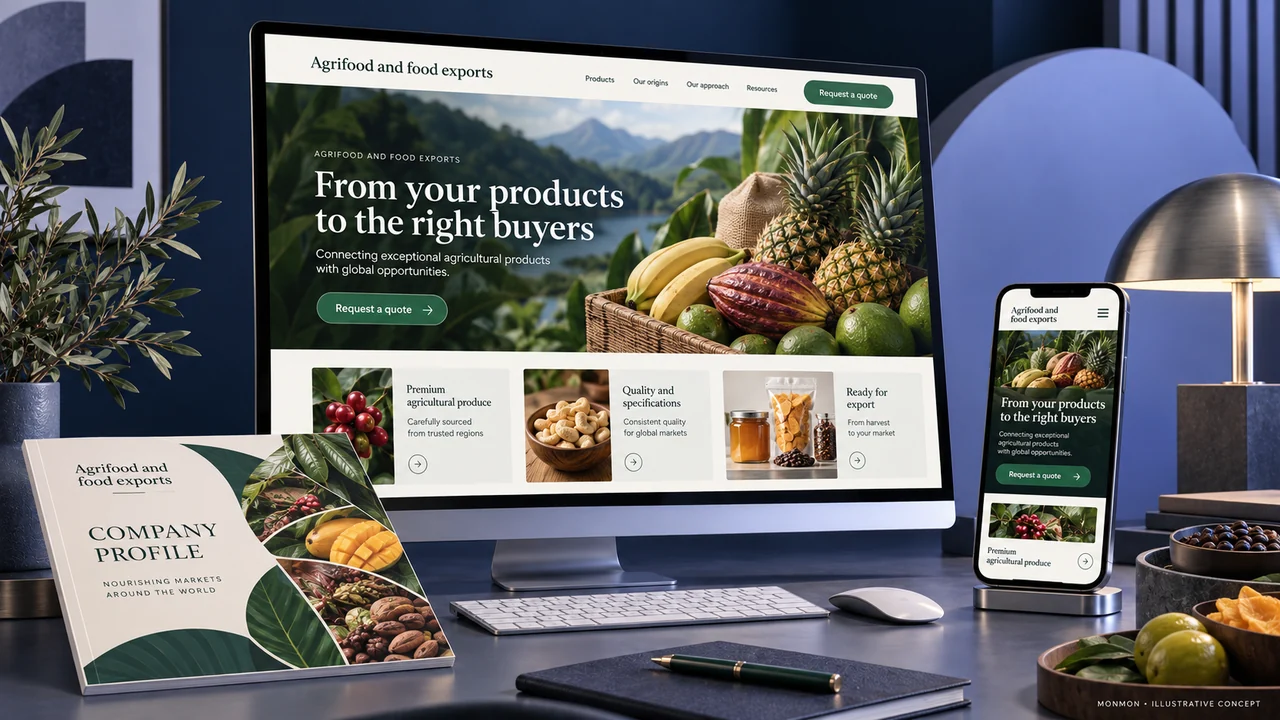
Create a product information record
Choose the relevant fields for each product, such as name, product reference, origin information, grade or specification, unit and packaging. Use only details the business can verify. Where information changes by batch or order, explain what must be confirmed. Avoid presenting an illustrative product page as an assurance that every shipment has an identical specification.
Show packaging as well as the product
Use images that identify the product form and packaging option being discussed. A bulk product and a retail pack may serve different buyers and need separate descriptions. Caption representative images accurately. Make weights, quantities and units explicit so the buyer can distinguish the package size from the amount they intend to order.
Handle certifications and claims accurately
Publish documents or claims only with the business’s approval and supporting information. Identify what a document applies to instead of allowing a general badge to imply that every product or shipment is covered. Destination-specific product and trade requirements need qualified review outside the website design brief. The content team should not invent compliance statements to make an export page sound complete.
Keep the catalogue and translations aligned
Use the same product references, packaging terms and units in the website and downloadable catalogue. Assign a version to the document so sales staff know which file to share. In additional languages, check product terminology and numbers carefully. An attractive translated introduction does not resolve a conflicting product table or an outdated packaging image.
Ask for a sourcing requirement
A first enquiry can identify the product, approximate quantity, desired packaging, destination and contact method. Explain how sample or specification discussions proceed where relevant. At acceptance, test whether the enquiry retains the selected product and whether catalogue downloads open on mobile. After launch, assess useful sourcing conversations separately from visits and document downloads.
Your preparation checklist
- Product references and units consistent
- Packaging images match the described option
- Origin and specification claims supported
- Documents identify their applicable scope
- Catalogue versions controlled
- Buyer enquiry includes product and quantity
Frequently asked questions
Should every product page show a certification badge?
Only when the business has verified that the claim and its scope are accurate for the product presented.
Can sample requests use the same enquiry route as quotations?
They can, if the form clearly identifies the request type and captures the information the sales team needs.