MonMon / Website planning
Property Management and Leasing Websites: Present Each Property Clearly
MonMon AI · Published
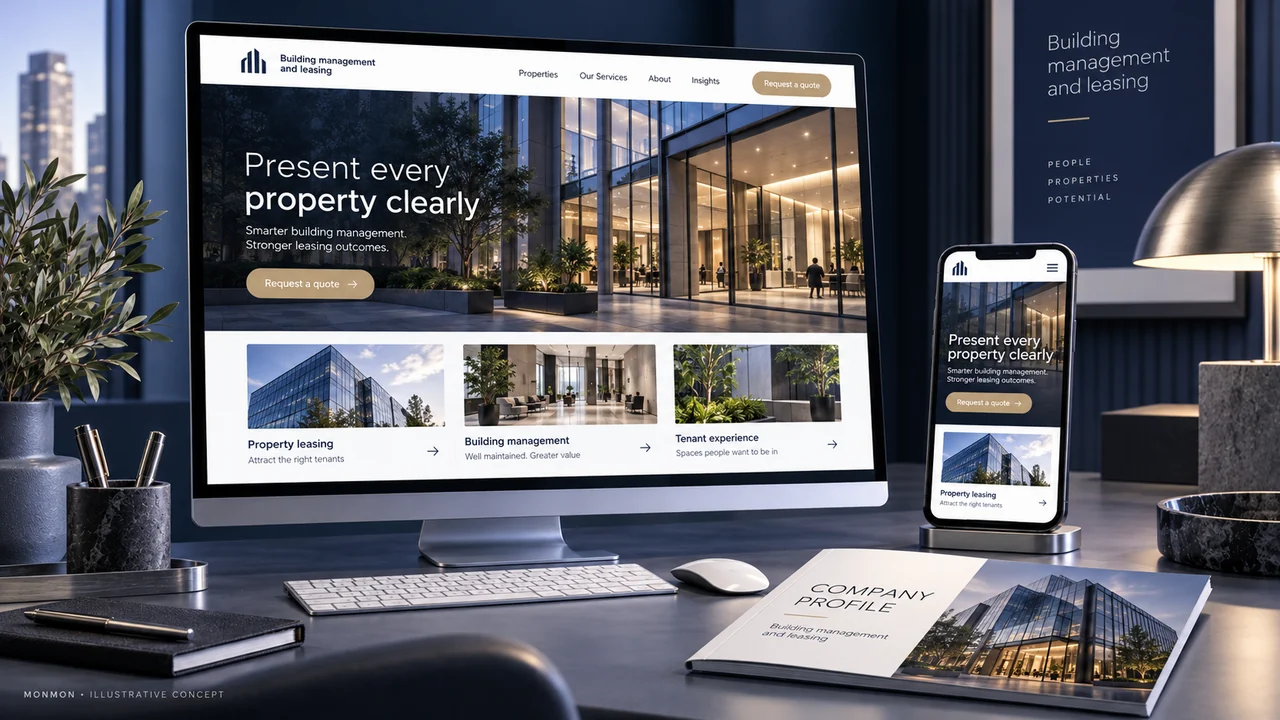
A property website may serve people looking for space and owners looking for management services. Those are different decisions. Organise the content so a visitor can tell whether they are reviewing a property to lease, asking about management support or seeking information about an existing location.
Create separate paths for different visitors
Start with the services and properties the business is authorised to present. A management service page should explain the agreed areas of work. A leasing page should help a prospective occupant review a particular space. Avoid combining every visitor under a generic contact button when a short choice can identify the purpose of the enquiry.
Use a maintainable property record
Choose fields the responsible team can keep current: location, property type, approved area figures, amenities, available unit information and a viewing contact. State the basis of an area figure where it matters. If availability requires confirmation, make that visible. A polished property page can become misleading when nobody owns the task of updating it.
Give images enough context
Identify the unit, common area or property feature shown. Distinguish actual photographs from renderings and representative examples. Where a plan is included, make it readable on a phone and provide the appropriate explanatory caption. Do not imply that every listed unit has an amenity shown in a photograph of a different part of the property.
Keep enquiries tied to the property
Let a visitor identify the property or unit when asking about a viewing. A useful first request may include the space required, intended use, approximate timing and one contact method. The form should make clear whether it requests information or a confirmed appointment. The team still needs to confirm current availability and any specific commercial terms.
Check publication and update responsibilities
Before acceptance, compare property facts with the owner-approved information. Test gallery links, maps and viewing contacts on mobile. Agree who changes availability and removes outdated offers. Later, assess whether enquiries reference the correct property and contain useful requirements. Website visits alone do not establish leasing performance, occupancy improvement or the quality of management services.
Your preparation checklist
- Management and leasing routes separated
- Property facts approved by the owner
- Availability owner and update process defined
- Photos, plans and renderings labelled
- Enquiry retains the property reference
- Mobile maps and viewing contact tested
Frequently asked questions
Should we display availability if it changes frequently?
Only with a workable update process. Otherwise state that availability must be confirmed and provide the correct enquiry route.
Can a website enquiry reserve a unit?
Do not describe it as a reservation unless the business has a defined reservation process and the website actually supports it.