MonMon / Website planning
Equipment Distributor Websites: Make Specifications Easy to Compare
MonMon AI · Published
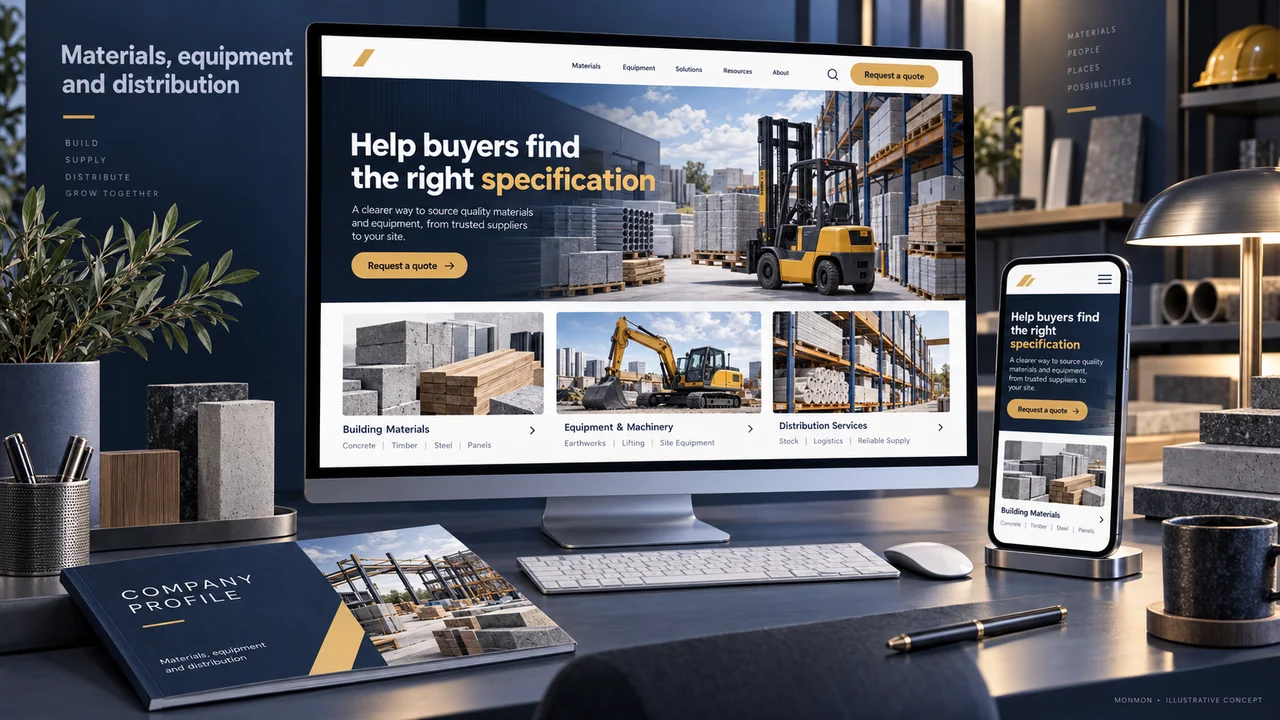
A buyer comparing equipment or materials needs to identify the correct item, not simply browse a set of product photographs. A useful distributor website connects categories, product codes, specifications and documents so the customer can make a relevant enquiry without confusing similar models.
Choose a category system buyers recognise
Group items by the characteristics customers use to find them: application, product family or another meaningful classification. Avoid relying solely on internal stock groups. Where products are sold under several brands, show the relationship clearly without implying authorised distribution rights that the business cannot substantiate. Categories should help a visitor narrow the selection.
Define the minimum product information
Use a consistent product code, name, model or variant, unit of sale and the specification fields relevant to the category. Different categories may need different fields. A cable, a pump and a fitting should not be forced into the same empty specification table. State where a detail must be confirmed for the specific order.
Keep documents and units consistent
Link the appropriate datasheet or catalogue version to the matching item. Check that the product code and model in the document match the page. Explain pack sizes and units so a buyer does not mistake a unit price for a carton or set. If the catalogue changes, assign responsibility for updating both the page and the downloadable document.
Distinguish enquiries from stock confirmation
A catalogue page does not automatically establish current stock, final pricing or suitability for an application. Publish these details only where there is a reliable update process. If inventory integration is required, include it in the project scope. Otherwise use an enquiry route that identifies the selected product and asks for quantity and any relevant requirement.
Test with a real product-selection task
Ask a reviewer to find an item, compare its specification and send a test enquiry through the agreed acceptance process. Confirm that the recipient can identify the product without asking the customer to start again. Review how the page works on a phone, especially specification tables and documents. Measure enquiry completeness after launch rather than claiming a sales increase from a catalogue redesign alone.
Your preparation checklist
- Buyer-friendly product categories
- Unique product codes and variants
- Units and pack sizes explicit
- Datasheets match the displayed model
- Stock claims have an update owner
- Product reference preserved in enquiries
Frequently asked questions
Can a catalogue launch without stock integration?
Yes, if it accurately presents products and clearly asks buyers to confirm availability through the agreed enquiry process.
Should the same datasheet appear on every variant?
Only if the document actually covers those variants and helps the buyer identify the relevant specification.