MonMon / Website planning
Architecture and Interior Websites: Tell the Story Behind Each Space
MonMon AI · Published
An architecture or interior portfolio becomes more useful when visitors can understand the work behind the images. Explain the type of space, the original requirement and your role. That gives prospective clients context for deciding whether your approach and scope suit their own project.
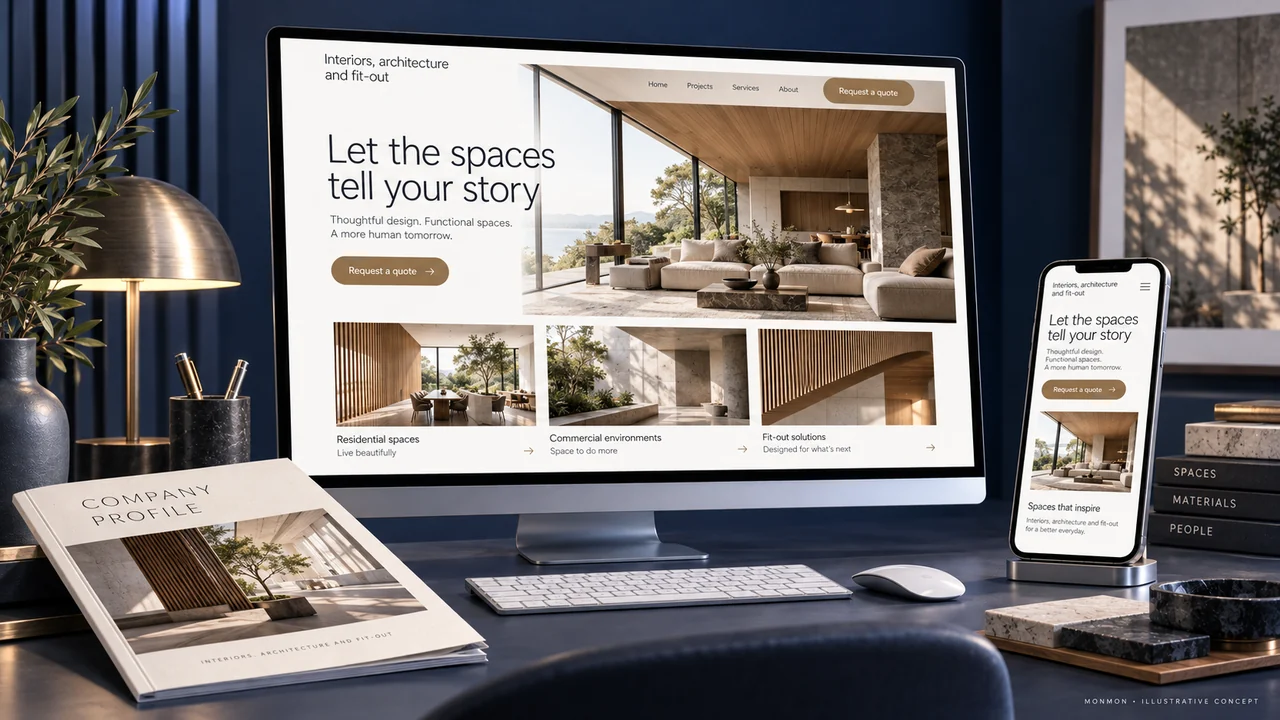
Name the services you are presenting
Design consultancy, architecture, interior design, procurement and fit-out are different scopes. Describe the services the business actually offers and how they relate. If a partner handles part of the work, make the responsibility clear. Avoid allowing an image of a finished space to imply that your company supplied or built every element.
Connect the project brief to the design response
A concise project story can describe the space, the client’s approved requirement, important constraints and the work your team performed. Use facts the business can support. You do not need to invent a dramatic transformation or a percentage improvement to make the project understandable. Specific explanations of layout, materials or functional choices can provide useful context.
Distinguish renderings from completed spaces
Label visualisations and photographs accurately. If a design has not been built, say so. Use captions to identify the room, view or stage of the project. Obtain the necessary publication permission for client spaces and collaborators’ work. Consistent labels help customers understand what the portfolio demonstrates instead of mistaking every image for a completed commission.
Make the enquiry reflect the project type
Ask for the type of space, approximate size, location, desired scope and stage of the decision. A first enquiry may be exploratory, so let customers explain what they know without forcing invented details. Detailed plans or sensitive client information can follow through an agreed process. Explain whether the next step is a discussion, site visit or proposal.
Review the portfolio as a prospective client
At acceptance, check image captions, project roles, document downloads and the enquiry route on desktop and mobile. Ensure the profile PDF uses the same project descriptions. After launch, review whether enquiries identify projects within your scope. A portfolio redesign can be evaluated technically at handover; claims about project wins or revenue require separate evidence.
Your preparation checklist
- Design and execution roles clear
- Brief and project scope described
- Renderings labelled separately from photos
- Client and collaborator permissions checked
- Project enquiry asks for useful context
- Website and profile project records agree
Frequently asked questions
Can unbuilt concepts appear in a portfolio?
Yes, when clearly labelled as concepts or visualisations and not presented as completed client projects.
Should the website show a fixed design price?
Publish a fixed offer only when its scope and conditions are defined. Otherwise explain the information needed for a proposal.